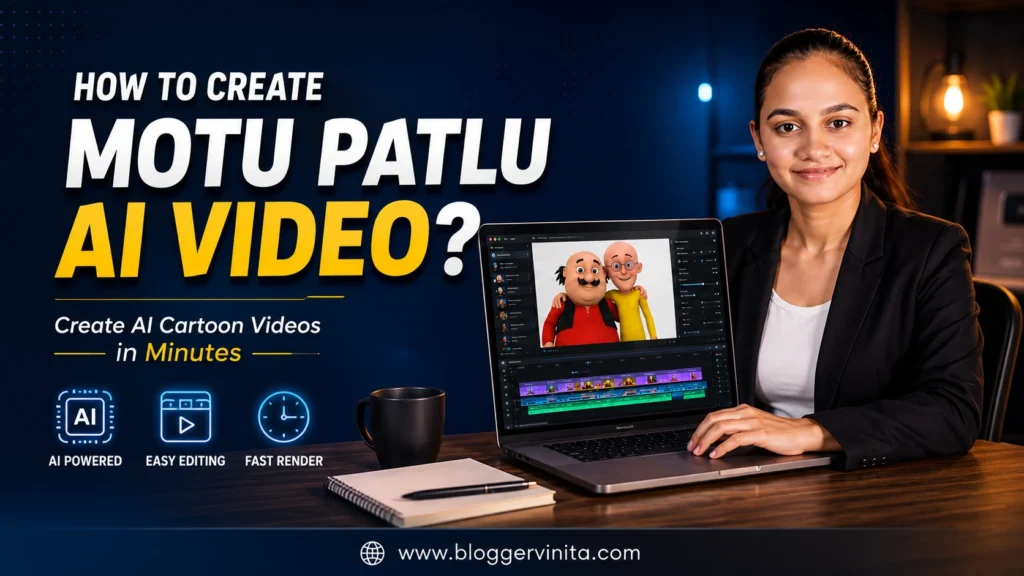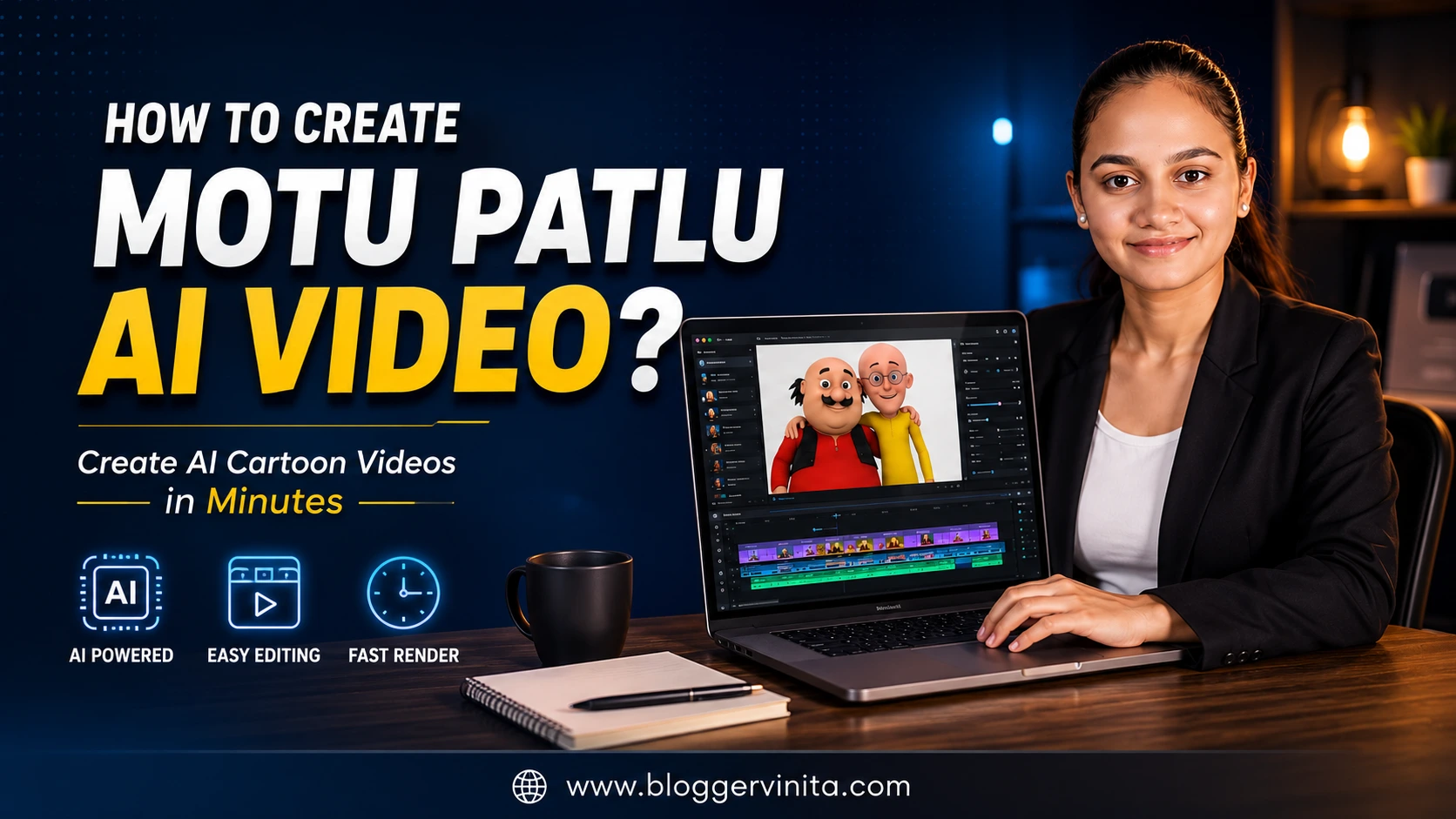
आजकाल Instagram, YouTube Shorts आणि Facebook वर Motu Patlu AI Videos प्रचंड व्हायरल होत आहेत. अनेक लोक AI च्या मदतीने दुकानांची जाहिरात, व्यवसाय प्रमोशन आणि मजेदार व्हिडिओ तयार करून लाखो Views मिळवत आहेत. जर तुम्हालाही असेच AI Video फक्त मोबाईलवरून बनवायचे असतील, तर तुम्ही अगदी योग्य ठिकाणी आला आहात.
या Blog Post मध्ये आपण ChatGPT आणि Google Flow AI वापरून Step-by-Step Motu Patlu AI Video कसा तयार करायचा ते पाहणार आहोत. तसेच AI Image तयार करण्यासाठी आणि Video Generate करण्यासाठी तयार Copy-Paste Prompts देखील दिले आहेत, त्यामुळे कोणताही Beginner सहजपणे हा AI Video तयार करू शकतो.
Prompt 1: Generate AI Image (ChatGPT)
Instructions: Upload 2 images before using this prompt:
- Your Shop/Business photo (or any location photo)
- Motu & Patlu reference image
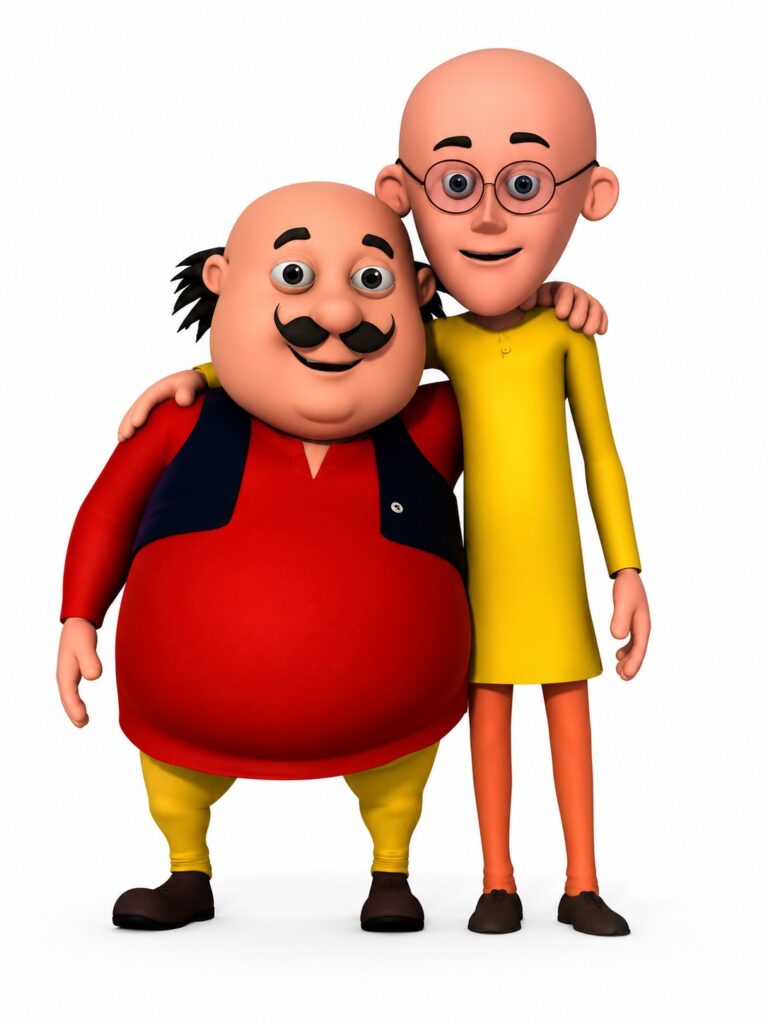
Then use the following prompt:
Create a highly realistic, cinematic 9:16 vertical AI image by naturally combining the uploaded business/shop photo with the uploaded Motu & Patlu reference image.
Keep the original shop name, logo, signboard, branding, colors, and all important details exactly as they are. Do not change or rewrite any text on the shop.
Remove unnecessary objects only if they block the front entrance and create enough natural space for Motu & Patlu to stand comfortably.
Place Motu and Patlu in front of the shop as if they are visiting and promoting the business. Their body proportions, shadows, lighting, reflections, and perspective must perfectly match the original environment.
The image should look like a real movie scene captured with a DSLR camera, not an AI-generated illustration.
Ultra realistic, cinematic lighting, HDR, sharp focus, natural facial expressions, realistic depth of field, premium color grading, high detail, professional advertising photography, 8K quality.
Aspect Ratio: 9:16
Do not modify the shop name, logo, banner, board, or branding.
Prompt 2: Generate Google Flow AI Video
Instructions: Upload the AI image generated in ChatGPT, then replace the dialogue below with your own business dialogue.
Generate a professional Google Flow AI video prompt based on the uploaded image.
The video should be exactly 8–10 seconds long.
Two animated characters, Motu and Patlu, are standing naturally in front of the business shown in the uploaded image.
The animation must be realistic with smooth body movement, natural blinking, subtle hand gestures, accurate facial expressions, and perfect lip sync.
Important Rules:
- Only Motu speaks during Motu’s dialogue.
- Only Patlu speaks during Patlu’s dialogue.
- Never make both characters speak at the same time.
- Keep eye contact natural.
- Maintain consistent character appearance throughout the video.
- Do not change the background, business name, logo, signboard, or shop branding.
- Camera should have slight cinematic movement with professional lighting.
- Preserve the uploaded image exactly while animating the characters.
Dialogue:
Motu:
“आज आम्ही आलो आहोत केशर बिर्याणीमध्ये…”
Patlu:
“इथे तुम्हाला स्वादिष्ट बिर्याणी, उत्तम क्वालिटी आणि जबरदस्त टेस्ट मिळते.”
Motu:
“एकदा नक्की भेट द्या!”
Generate only a professional Google Flow AI video prompt.
Do not explain anything.
Do not generate extra text.
महत्त्वाची सूचना:
खाली दिलेल्या Dialogue च्या जागी तुमच्या Business, Shop, Restaurant किंवा Service नुसार स्वतःचे Dialogue लिहा. AI Video अधिक Natural दिसण्यासाठी प्रत्येक Dialogue छोटा (1–2 वाक्यांचा) ठेवा आणि Motu व Patlu यांचे Dialogue वेगळे लिहा, जेणेकरून Lip Sync योग्य प्रकारे होईल.
Read More: Mission Digital Swarajya – 7 Days Program | फक्त एक Program नाही… माझ्यासाठी एक जबाबदारी